
Sometimes, an app goes rogue. It freezes your whole phone, and swiping does nothing. Time for the secret handshake. For Face ID iPhones: press Volume Up, press Volume Down, then hold the Side button until you see the Apple logo.
For Home Button iPhones: hold both the Home and Side (or Top) buttons until the logo appears. This isn’t “closing” an app—it’s a full system reboot. Use it as a last resort, like calling your tech-savvy cousin.
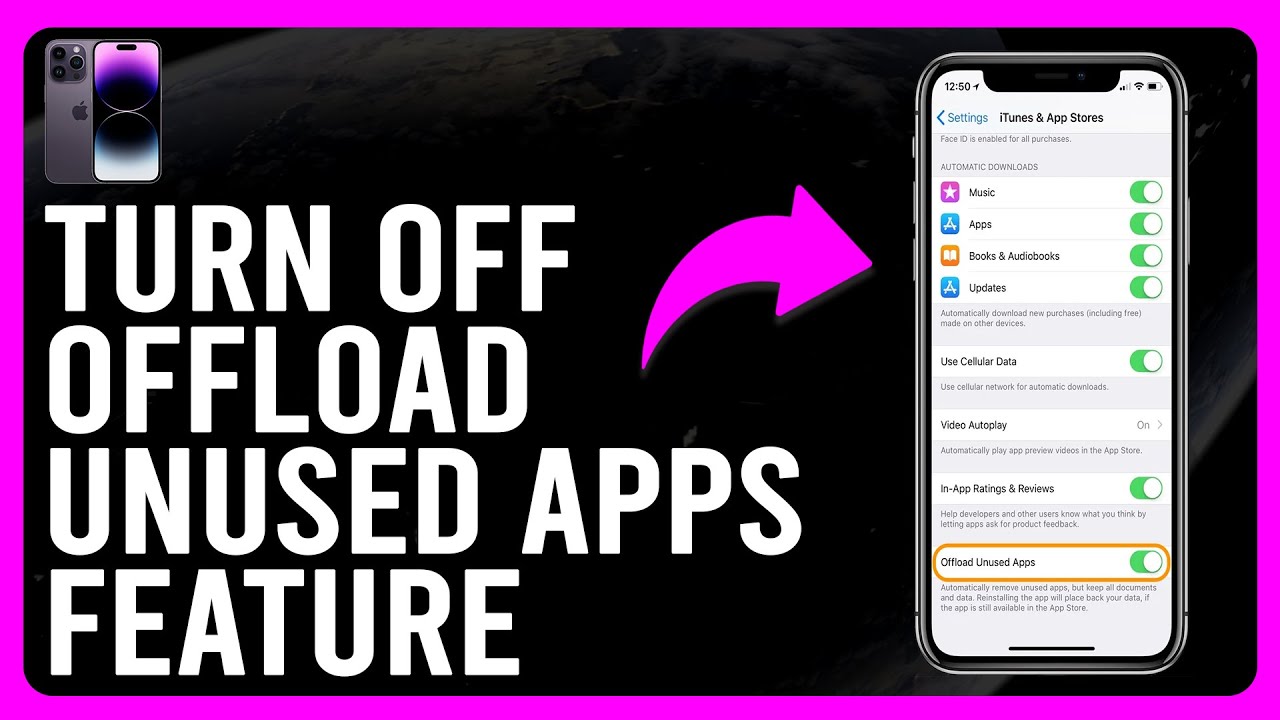 How to Turn Off 'Offload Unused Apps' Feature On iPhone (Step-by-Step

