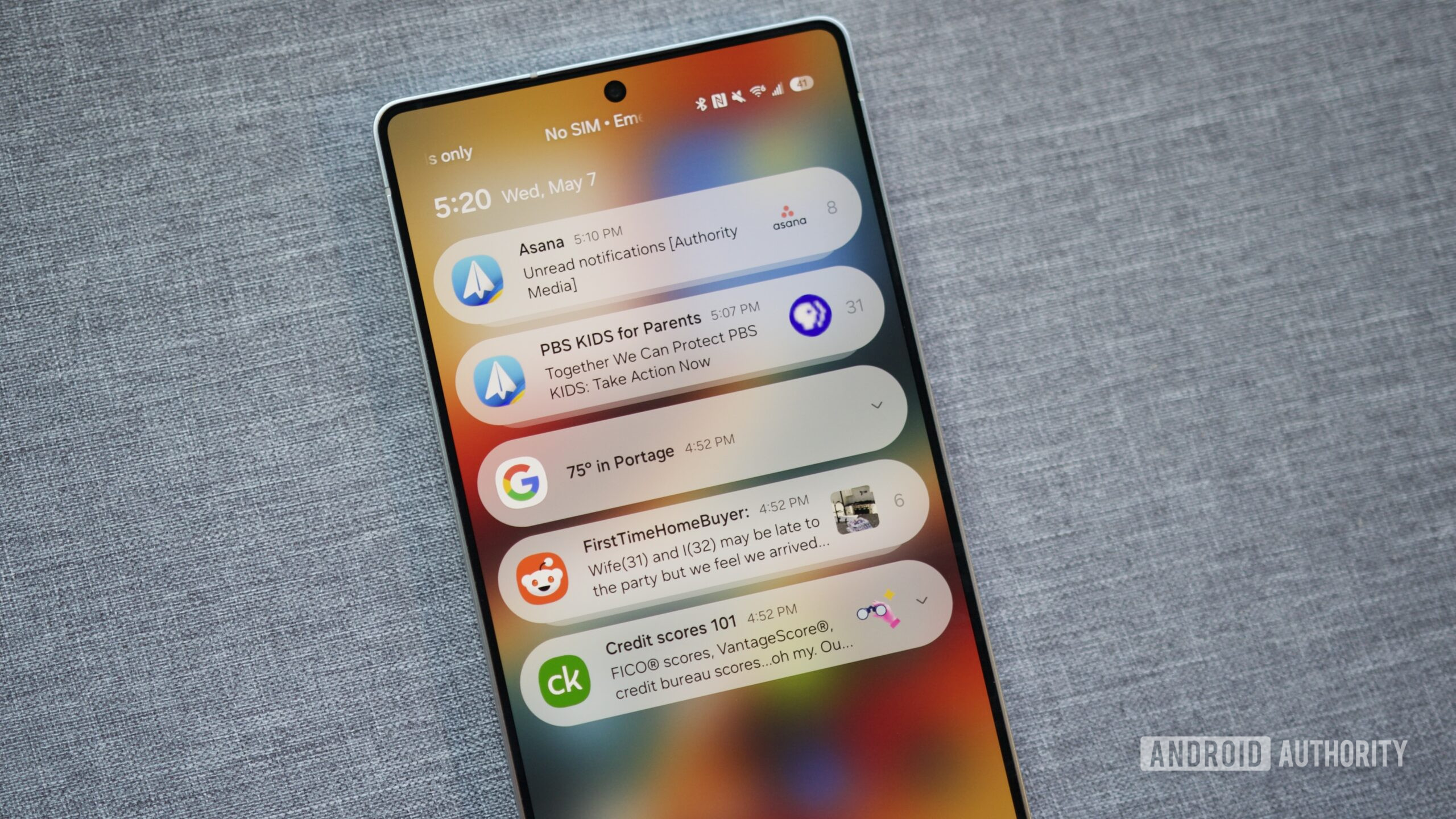
Remember when a notification was a rare, magical thing? A text from a friend felt like a telegram in a Western. Now, every app fights for a piece of your brain, from the grocery app reminding you about milk to the game you haven't opened since 2019. This is cultural chaos dressed as convenience. Android, with its open-ended nature, often gets blamed for letting this spinning wheel of noise spin out of control.
But blame is boring. Let's focus on the fix. The first step is realizing that your default notification settings are a lie. They are set by app developers who want you locked in, not by you, a person who has better things to do than watch a shopping app go “ding” at 3 PM.
The Art of Notification Channels
This is where Android shows its true, sleek superpower. Almost every app supports Notification Channels. This isn’t just a toggle for “on” or “off.” It’s a sound mixer for your digital life. You can tell Instagram to notify you for DMs but stay silent for likes. You can let your email app buzz for important senders but not for the weekly newsletter you never read.
To find these, long-press any notification. A tiny gear icon or “Manage” button appears. Tap it. You’ll enter a hidden control room where you can assign sounds, silence, or even make notifications appear silently in the shade. It feels like discovering a secret floor in your own house.

